“Does technology make you want to be like an ostrich and stick your head in a hole in the ground? I get it,” wrote Karen Askerooth to her fellow members of North Dakota United-Retired (NDU-Retired) on the group’s Facebook page.

“It is sometimes very hard to get retirees to buy into new technology, but we are seeing more and more of our members learning to tackle that scary unknown,” she says. “We’ll keep working at it.”
Why is this important? Askerooth notes that many older adults are missing out on technology that can improve their health and quality of life.
Laurie Orlov, a writer, speaker, and founder of Aging and Health Technology, authored a recent report showing that some 80 percent of seniors use tech for shopping, directions, and other conveniences, but only about 35 percent use it for medical purposes.
“Older adults know they need to adopt newer tech,” she says. “As they use it, they find it easier than they thought.”
Still skeptical? Here are 10 ways tech can actually support your well-being.
1. Monitor your health at home

Melondia Franklin Corpus, a retired teacher from Fleming Island, Fla., handles much of her hospital communications online, where she can see test results and doctor’s notes as well as make appointments and request prescriptions. “I also use the GoodRx app for discounts on prescription drugs, and I’m looking into moving to an app for monitoring Type 2 diabetes,” she says.
Glucose Buddy or Diabetes:M also monitor blood sugar. And she uses a myAir platform to evaluate her CPAP (continuous positive airway pressure) online, which treats her sleep apnea.
Checkme Suite is a popular portable vital signs device with an insertable monitor that can track your heart rate and check for atrial fibrillation. Oura Ring can track sleep stages, heart rate, body temperature, and respiratory rate, as well as steps, calories, and workouts.
2. Manage your medications
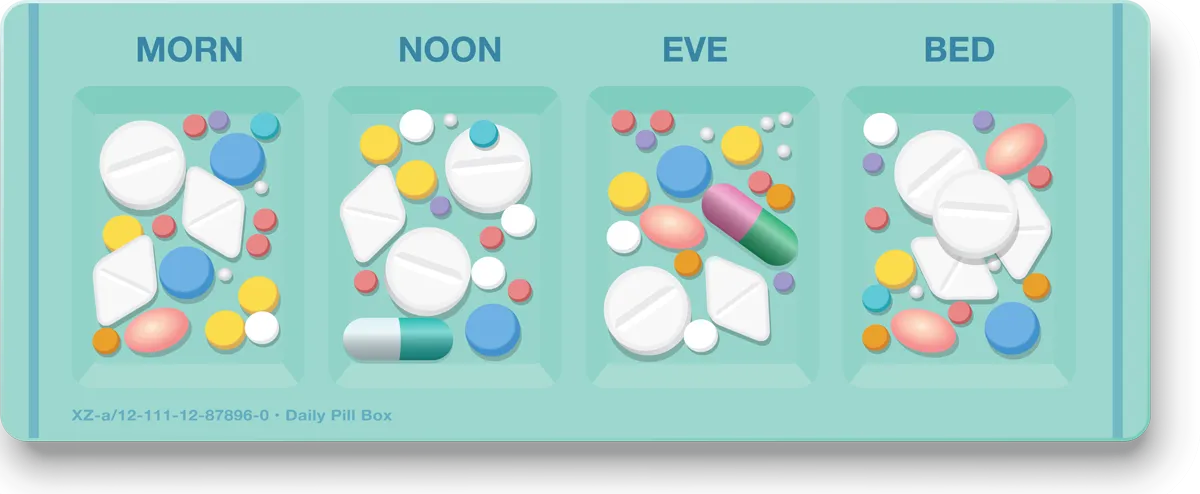
Automated pill dispensers, such as e-pill Medication Reminders or MedMinder, can help you take medications on time. In fact, a Hero Smart Dispenser can hold a month’s supply of 10 different medications, dispense them accurately, and remind you to take them.
3. Track your fitness
“Wearable health trackers have important benefits for health because they monitor heart rate, steps, and sleep,” says Harvard researcher Ana-Maria Vranceanu. “They’re also great for meeting health goals and increasing safety with fall detection and emergency alerts.”
A Fitbit or an Apple Watch can track workouts and sleep as well as monitor oxygen saturation and stress levels. To follow your exercise trends or do a deep dive into your diet and water intake, you can sync your Fitbit with fitness apps on your smartphone. (Some apps require a subscription.)
4. Walk, walk, and walk some more
The Map My Walk app allows you to set goals, log walks, save routes, and find good walking trails. This app, as well as the fitness app on the Apple Watch and iPhone, also track a wide range of activities, including cycling, hiking, and swimming.
5. Boost your hearing
If you have mild hearing loss that doesn’t require prescription hearing aids, Apple Airpods Pro 2 now offer basic amplification, and The New York Times recommends Tweak
Enhance hearing aids as a good, low-cost, over-the-counter brand. Most options now offer Bluetooth connection, so you can improve hearing while connected to your smartphone.
6. Stay independent at home
The old “I’ve fallen and I can’t get up” commercial isn’t as relevant anymore, Askerooth says. A wide range of fall detection devices and platforms can make emergency calls, including Apple Watches.
“Homes with sensors can now detect unusual behavior, such as a lack of movement or falls, and directly communicate with hospitals, caregivers, and doctors,” Orlov advises.
GPS SmartSole Tracking Solutions is designed to be placed in the insole of a shoe to track the location of the wearer, as is the Theora Connect Wearable, which comes with a fall detection option.
“I use GPS tracking for my husband who has Alzheimer’s, combined with an Apple AirTag locator on our service dog,” Askerooth notes. “It has come in handy the few times he has wandered off.”
Digital assistants can improve safety, too. You can “ask Alexa” or Siri to call 911, even if you can’t get to the phone. You can also use them to set reminders, voice dial, set timers, and listen to your favorite music!
7. Get ‘smart’ about home safety
Devices such as a Ring Doorbell Camera or Google Nest front door cameras allow you to see who’s at your front door, even if you’re in another part of the house or away on vacation. The devices send an alert to your smartphone any time there is motion at your front door, and you can see the live video feed on your phone at any time of day or night.

More complete home security systems—without traditional contracts or expense—allow you to see who is outside (or inside, when you are gone), some with cameras that cost less than $50. With SimpliSafe, Ring, and Abode or other similar products, you can lock doors remotely and select to set off alarms when doors or windows are open. Others will contact emergency services for a fee.
8. Connect with others
Former English and drama teacher Karen Solheim, who lives in Athens, Ga., meets with friends on Zoom each week to share a themed meal. You can also schedule weekly virtual visits with grandchildren, or join online classes, book clubs, or other hobby groups.

9. Give your brain a workout
Like most retired educators, Solheim still loves to learn and keep her mind active. She stays sharp by playing online games like Wordle and taking classes on educational platforms, such as Coursera, edX, and Khan Academy, which provide access to free courses from universities worldwide.
10. Get started
If this all sounds intriguing, but you’re not sure how to get started? Ask tech savvy friends and family for coaching, or reach out to Cyber-Seniors, a nonprofit organization that provides free tech support and training for older adults. Visit cyberseniors.org or call 1-844-217-3057.